

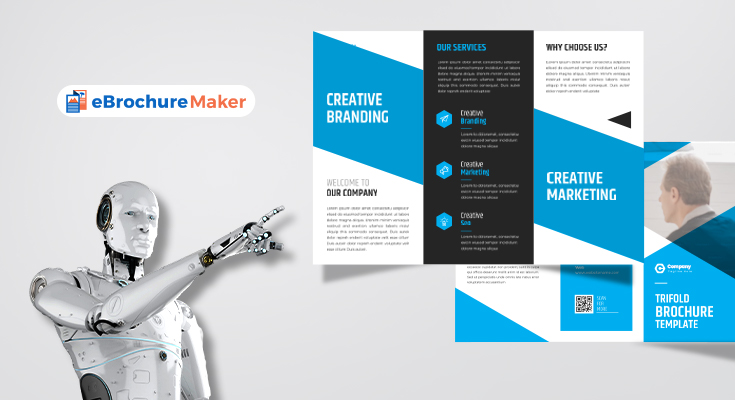
A brochure is an effective way to present information in a compact, attractive, and organized format. Businesses use brochures to promote products and services, while schools, organizations, event planners, and individuals can use them to share important details with an audience. A thoughtfully designed brochure can capture attention, communicate key information, and encourage readers to take action.
Determine the Purpose of Your Brochure
The first step is to identify the main goal of your brochure. Decide what you want readers to learn and what action you want them to take afterward.
A business brochure might introduce a company and explain its services. A product brochure may highlight features, benefits, and prices. An event brochure could provide dates, locations, schedules, and registration details.
Having a clear objective prevents unnecessary information from taking up valuable space.
Understand Your Audience
The people who will read your brochure should influence its content and appearance. Consider their interests, expectations, and level of knowledge about your subject.
For a professional audience, a clean layout and formal language may be appropriate. For a community event, a friendly tone and engaging visuals may work better. When your design matches the audience, the brochure becomes easier to understand and more appealing.
Choose the Right Format
Brochures can be created in several formats, including single-page, bi-fold, tri-fold, and multi-page designs. Choose a format based on the amount of information you need to include.
A tri-fold brochure provides several panels for organizing content while remaining easy to carry. A multi-page design gives you more room for detailed information, photographs, product descriptions, or service explanations.
Think about how the brochure will be distributed before deciding on its size and orientation.
Create an Organized Layout
A clear layout helps readers move naturally through the information. Divide the content into sections with descriptive headings and subheadings. Use short paragraphs and bullet points to make important details easier to scan.
Avoid filling every part of the page. White space provides balance and prevents the brochure from appearing crowded. Important information should have enough visual space to stand out.
Using a brochure maker can make the layout process easier by providing templates and editing tools for arranging text, images, colors, and other elements.
Select Quality Images
Images can make a brochure more attractive and help explain a message quickly. Choose sharp, relevant photographs or graphics that support your subject.
For example, a restaurant can display photographs of popular meals, while a travel company can use destination images. A service provider can show examples of its work.
Do not use too many visuals simply to fill space. A few carefully selected images can create a stronger impression than a page filled with unrelated graphics.
Use Appropriate Colors and Fonts
Colors should support your brand and create a consistent visual identity. Select a limited color palette and use it throughout the brochure.
Fonts should be readable and consistent. Use noticeable typography for headings and simple fonts for longer sections of text. Avoid excessive font styles because they can make the design appear unprofessional.
Also ensure that there is enough contrast between text and its background. Good readability should always be a priority.
Write Clear and Engaging Content
The content should be concise, informative, and relevant to the reader. Begin with a strong headline that immediately communicates the brochure’s purpose.
Explain important features, benefits, services, or offers in straightforward language. Avoid long blocks of text and unnecessary technical terms.
Include essential contact information such as a phone number, email address, website, location, or social media details when appropriate. A clear call to action can encourage readers to contact you, visit your website, make a purchase, or register for an event.
Proofread and Review the Design
Before printing or sharing your brochure, carefully review all information. Check spelling, grammar, dates, prices, addresses, phone numbers, and website details.
Examine the complete design to make sure images are clear, text is aligned, and important information is easy to find. If the brochure will be printed, confirm the page size, margins, image quality, and final layout.
Conclusion
Creating a professional brochure requires a combination of clear planning, useful content, attractive visuals, and consistent design. By understanding your audience, selecting an appropriate format, organizing information carefully, and reviewing the finished project, you can create a brochure that communicates effectively.
Whether used for business promotion, event advertising, product presentation, or general information, a well-designed brochure can strengthen communication and leave a positive impression on readers.
